ActivMan
Online Help v3.3
Browse the contents on the left, or jump straight to a topic. Looking for the latest version? See Online Help (Latest).
Creating a new group
- Navigate to an Active Directory location where the new group will be
- Right-click anywhere in the list of users and select 'New Group'
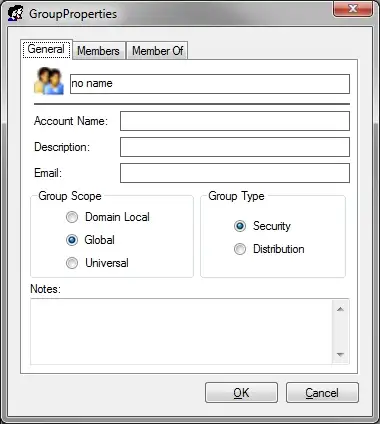
- Enter the details for the new group
- Add any members you would like
- Click 'OK' when finished
NOTE: The pre-Windows 2000 group name will be the same as the specified group name.